This guide is for customers new to crypto and outlines the process of purchasing USDC on OKX and using it to pay for goods.
OKX Crypto Payment Tutorial
Crypto is a digital asset based on cryptography and blockchain technology. We primarily use it to lower transaction fees. In this case, you will be charged zero fees. A stablecoin is a special type of crypto whose value is typically pegged to a fiat currency (like the US dollar) or another asset (like gold), designed to maintain a stable price and avoid the significant volatility of traditional cryptocurrencies. USDC is one of the most popular and widely used US dollar stablecoins, pegged 1:1 to the US dollar, and is now widely used in crypto trading and cross-border payments. OKX is one of the world’s leading crypto exchange platforms, where users can safely buy, sell, and manage their crypto assets.
The Agent uses OKX as their crypto wallet and primarily accepts USDC as the payment currency. Considering the high fees and withdrawal costs of traditional cross-border payment methods (like PayPal, SWIFT bank transfers) and the limited international usability of tools like Alipay, we strongly recommend using crypto to pay for your goods. This guide will walk you through how to safely, quickly, and conveniently purchase USDC on OKX and transfer it to the Agent to complete the P2P transaction.
This tutorial strongly recommends using the mobile OKX App to buy crypto and complete the transaction. This is because, in most cases, mobile phones are less susceptible to various types of malware, phishing links, and security vulnerabilities than computers.
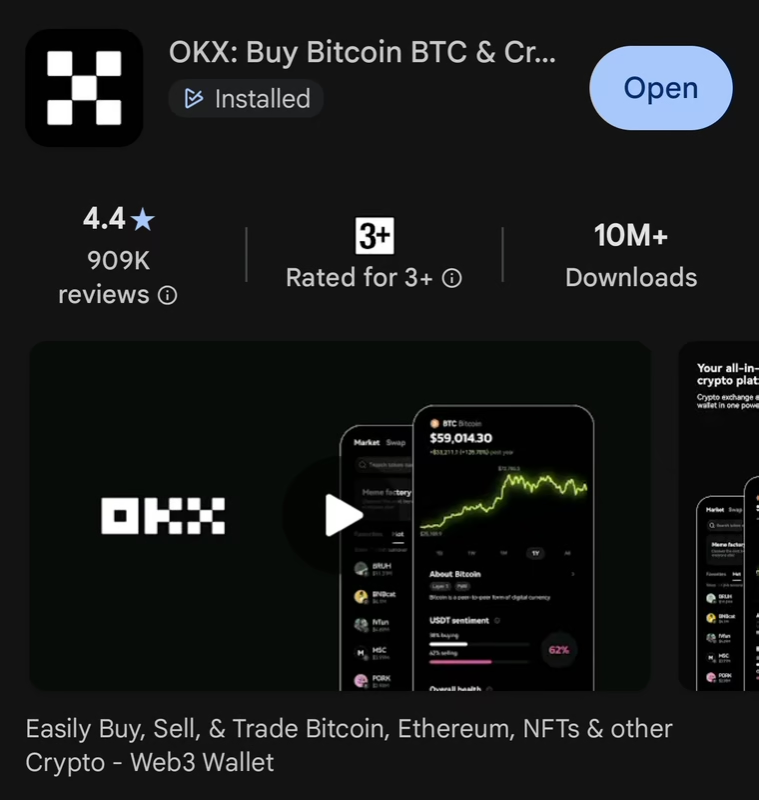
Step 1: Download the OKX App (Mobile Application)
Use the Agent’s OKX invitation link https://okx.com/join/49819258 to download the official OKX App; both parties may receive a bonus. You can also download the OKX app directly from the Google Play Store or Apple App Store.
Step 2: Register, Log In, and Complete Identity Verification (KYC)
To conduct P2P trading and withdraw funds (including internal transfers) on OKX, you must first complete Identity Verification (Know Your Customer, KYC). Please follow the in-app instructions. This may require uploading an ID document and completing a facial recognition scan.
(Optional) Use the Agent’s OKX invitation link https://okx.com/join/49819258 or invitation code 49819258 to register an account; both parties may receive a bonus.
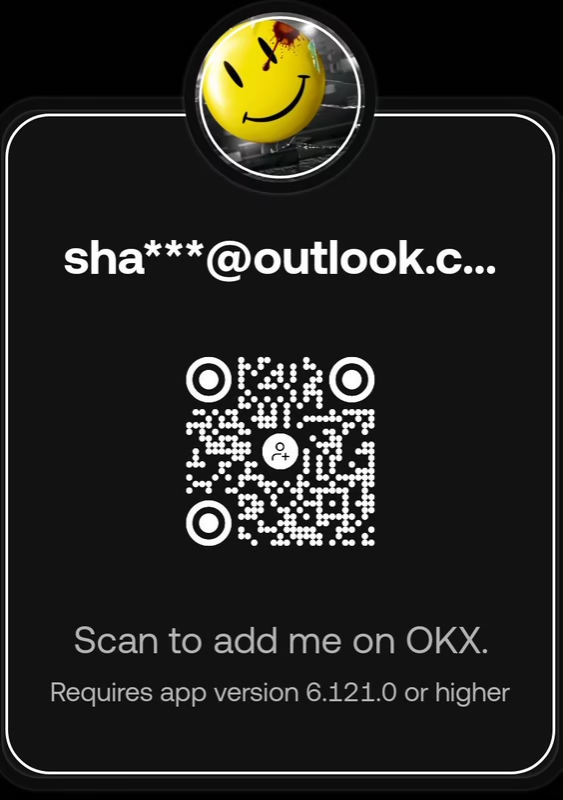
(Optional) Scan the QR code to add the Agent as a contact on OKX.
Step 3: Buy Crypto via P2P Trading (Fiat Transaction)
Please strictly follow the purchasing steps provided by OKX to prevent any loss of funds!
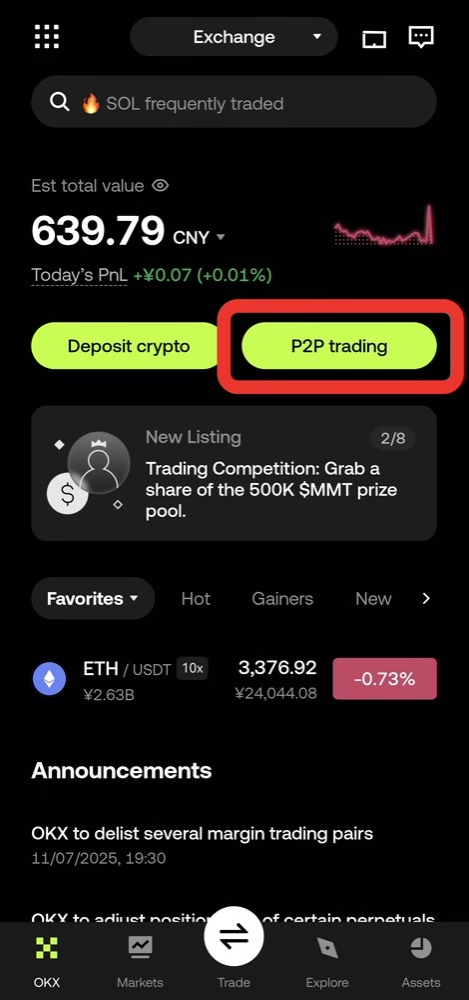
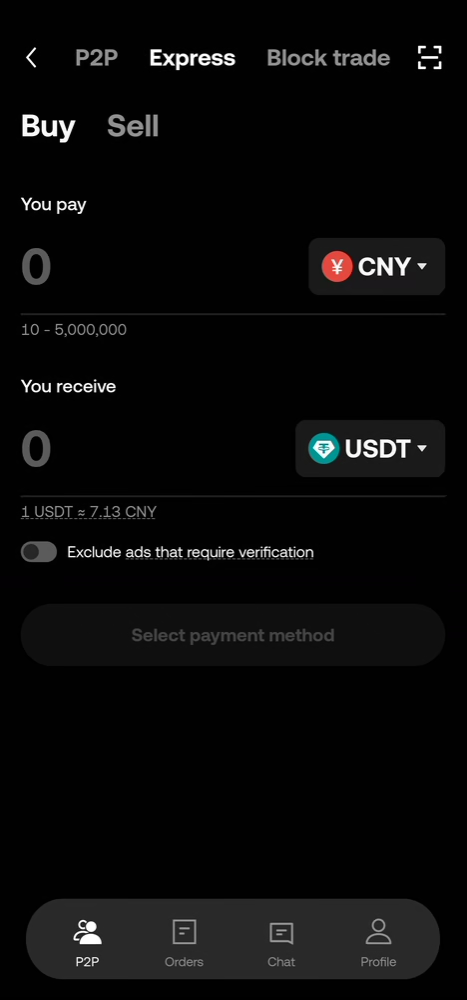
On the OKX App homepage, tap “P2P trading” and follow the in-app instructions to purchase USDC.
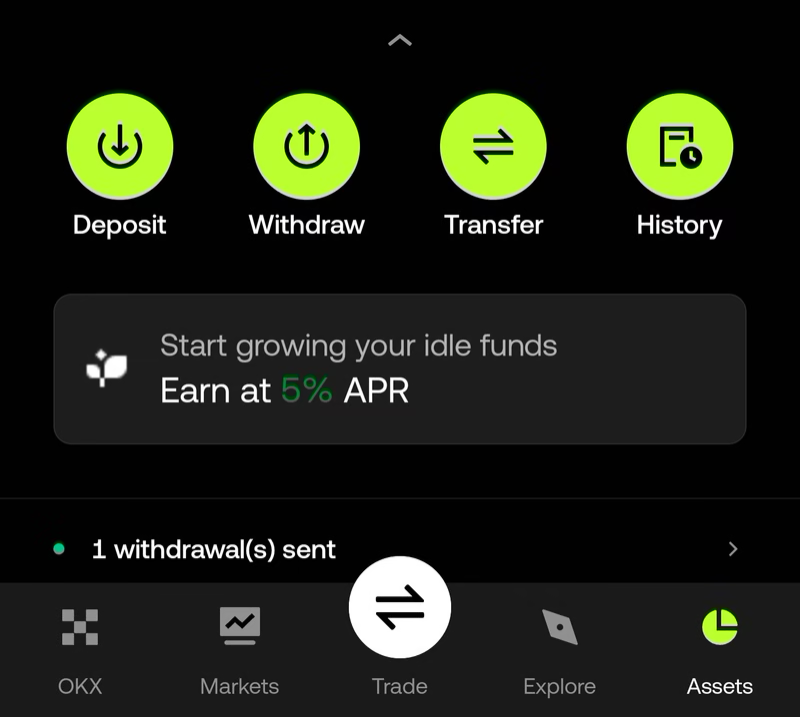
Step 4: Transfer USDC to the Agent
Select the currency you want to transfer (typically USDC).
Navigate to: New destinations > OKX users > UID > 531491139568678256 (To avoid loss of funds, please copy this UID directly instead of typing it manually.)
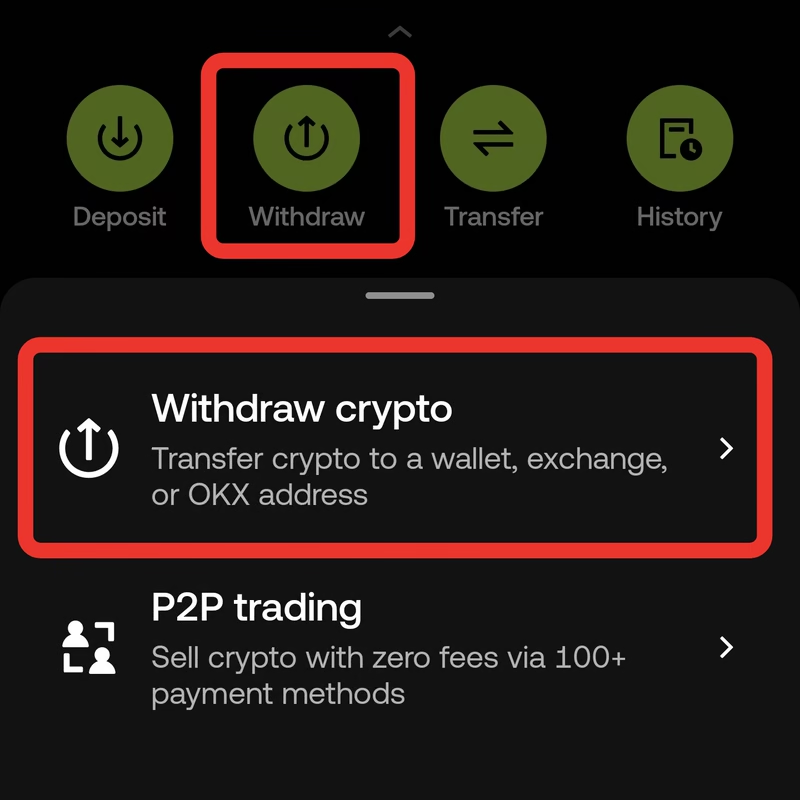
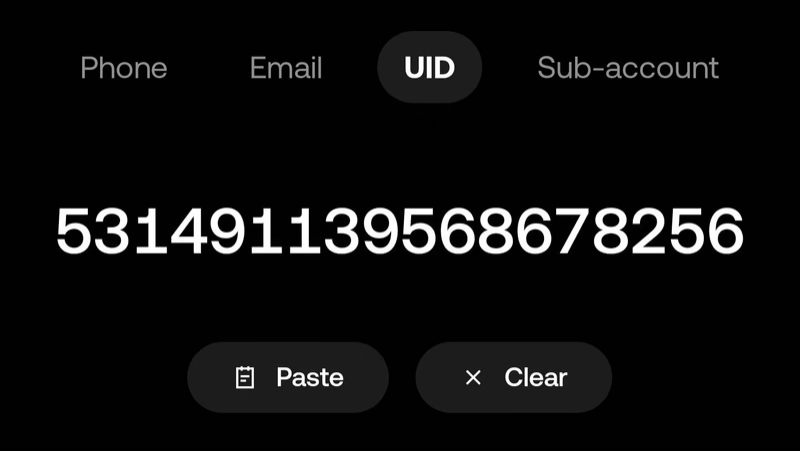
You can also save the Agent to your address book for future use by navigating to: Saved destinations > Address book > Add recipient > OKX users > UID > 531491139568678256
If OKX asks for the recipient’s real name, please enter 张君一.
Step 5: Confirm and Complete the Transfer
On the final confirmation screen, be sure to carefully double-check that the recipient’s UID and the transfer amount are correct.
After the transfer is successful, you can check its status under Assets > History.